Browse Notes
🔥 Smart Productivity Tools
Your memory layer for the web.
Add persistent notes to any web page. They stay exactly where you left them — even when you come back days later.
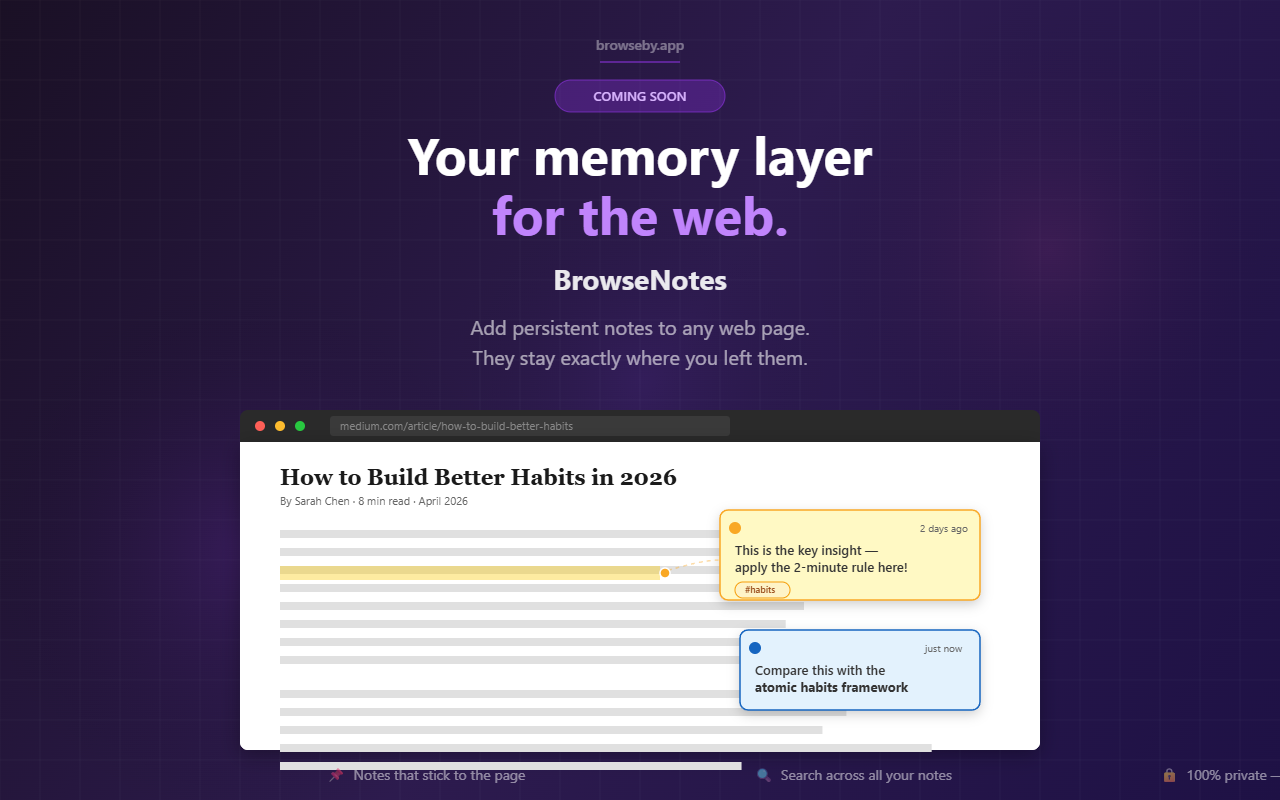
📌 Notes that stick to the page — anchored to the exact text
🔍 Search across all your notes instantly with Alt+K
🔒 100% private — all notes stay on your device
What you can do:
✦ Add notes to any web page with right-click
✦ 5 colors, bold/italic/code formatting
✦ Tags with autocomplete
✦ Pin important notes to the top
✦ Timeline view — notes grouped by day
✦ Text highlights in 4 colors (Pro)
✦ Universal search across all pages (Pro)
✦ Export as JSON or Markdown
✦ Automatic light & dark theme
✦ Works on every website
Free: 3 notes per page · 10 pages · No account needed
Pro: €9.99 one-time · Unlimited everything
Why BrowseNotes exists
I'd be doing online research — comparing options, reading documentation, going down some rabbit hole — and by the time I'd found something useful, I had twenty tabs open and no real way to remember why each one mattered.
Bookmarks save the page but lose the context.
Copy-pasting into a separate notes app breaks the flow.
Browser history just tells you where you went, not what you thought.
What I wanted was simple: leave a note exactly where I found something, anchored to the specific text that mattered, and find it still there next time I came back.
Like a Post-it stuck to the page itself.
After Quick Reopen launched, the question became which other browsing problem of my own to solve next.
BrowseNotes was the answer.
The hard part was making notes survive page changes — sites update, layouts shift, URLs gain query parameters.
Five fallback strategies (exact text → context → CSS selector → XPath → scroll position) make sure your notes still find their place when the page underneath them moves.
If you've ever wished you could write directly on a webpage, this is that.
Get notified when we launch new tools
No spam. One email at launch. Unsubscribe anytime.
· Homepage · Contact Us · Privacy Policy · Terms of Service · Refund Policy ·
© 2026 Browseby